Interaction Design · Fall 2025 · Team of four
SMC Station
Your home away from home. A single app that brings a commuter college's scattered basic-needs and campus services into one place.
- August 2025Project begins in SMC IXD, with field research and interviews
- Fall 2025Research, persona, solution and usability testing
- December 2025High-fidelity prototype complete
01 · Challenge
Hard to find. Too much to carry. No home base.
Santa Monica College spans multiple locations, has no centralized place for student services, and depends heavily on transit (Metro and Big Blue Bus). A student who wakes at 5:30, commutes for an hour and then goes to class has little energy left to hunt across websites for food, housing, health or financial help.
52%
Basic needs
of SMC students experience basic needs insecurity
6 in 10
Not driving
SMC students use transportation other than a car
60.7%
On campus
of SMC students take at least one on-campus class
Student voice
“I'm coming from Watts, so I have to leave the house at 5:30 am… Just getting to the E-line is one hour, and I'm only half way there. I have to do that 5 days out of the week!”
Juarez, SMC student
Student voice
“I just leave my stuff in the math lab all day… just under the math lab tables. It's not the safest, but nothing's going to happen.”
Val C, SMC student
02 · Research
Who we designed for, and what already exists.
- Campus dwellers
- Students who stay on campus longer than 8 hours.
- At-risk students
- Students who struggle with access to basic needs.
- Commuters
- Students who commute over an hour to campus.
Sharlyne Massillon, Basic Needs Director
“More than half of students [15K] are experiencing some sort of basic needs insecurity. We focus on the pure basics so that students focus on their studies.”
We mapped what exists today: the SMC Food Security Program, older faculty lockers near Pico Village, newer lockers for students with housing insecurity, an overlooked food pantry, and a mental-health partnership with counseling. We also compared peer programs: El Camino's Basic Needs Center, College of the Canyons' Mesa Program, the SMC cafeteria and the Bodega marketplace.
03 · Define
One question, one persona.
How might we
support students' basic needs and help create a reliable home-away-from-home on campus?
The answer is a centralized basic needs hub, a locker system and a food pickup zone that keep students lighter, safer and supported on campus.
- Meet Pico
- 22-year-old business administration major. Commutes 1.5 hours from South LA, stays on campus 8+ hours and feels overloaded by bags. Juggles school and a café job.
- Wants
- Reliable storage and basic needs access, so they can move freely.
- Pico's day
- 5:30 wake up · 6:15–8:15 commute · 8:30–11:00 first class · 11:00–11:30 friction in the gaps · 12:00–2:30 second class · 2:40–3:00 discovery · 3:00–4:00 commute home
04 · Solution
A home-away-from-home in your pocket.
Digital identity
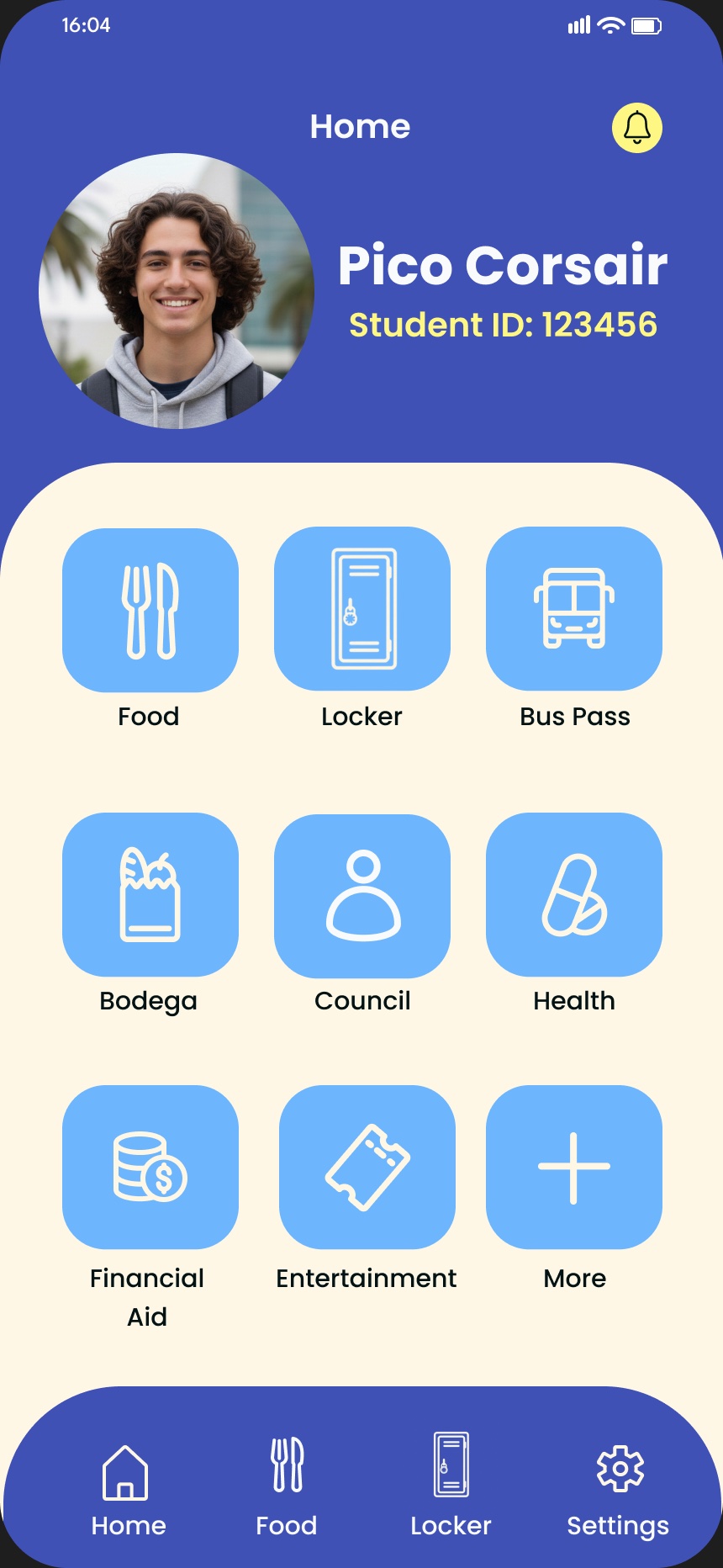
Your student ID lives on the home screen, with persistent navigation and a card-based dashboard.
Mobile ordering
Time-aware food listings with social proof, then a geo-fenced pickup so the handoff is simple.
Lockers
A digital locker key and a map to your locker, with options to report a damaged locker or request a new one.
Mentorship
Instant scheduling with course-relevant counselors, in person or online.
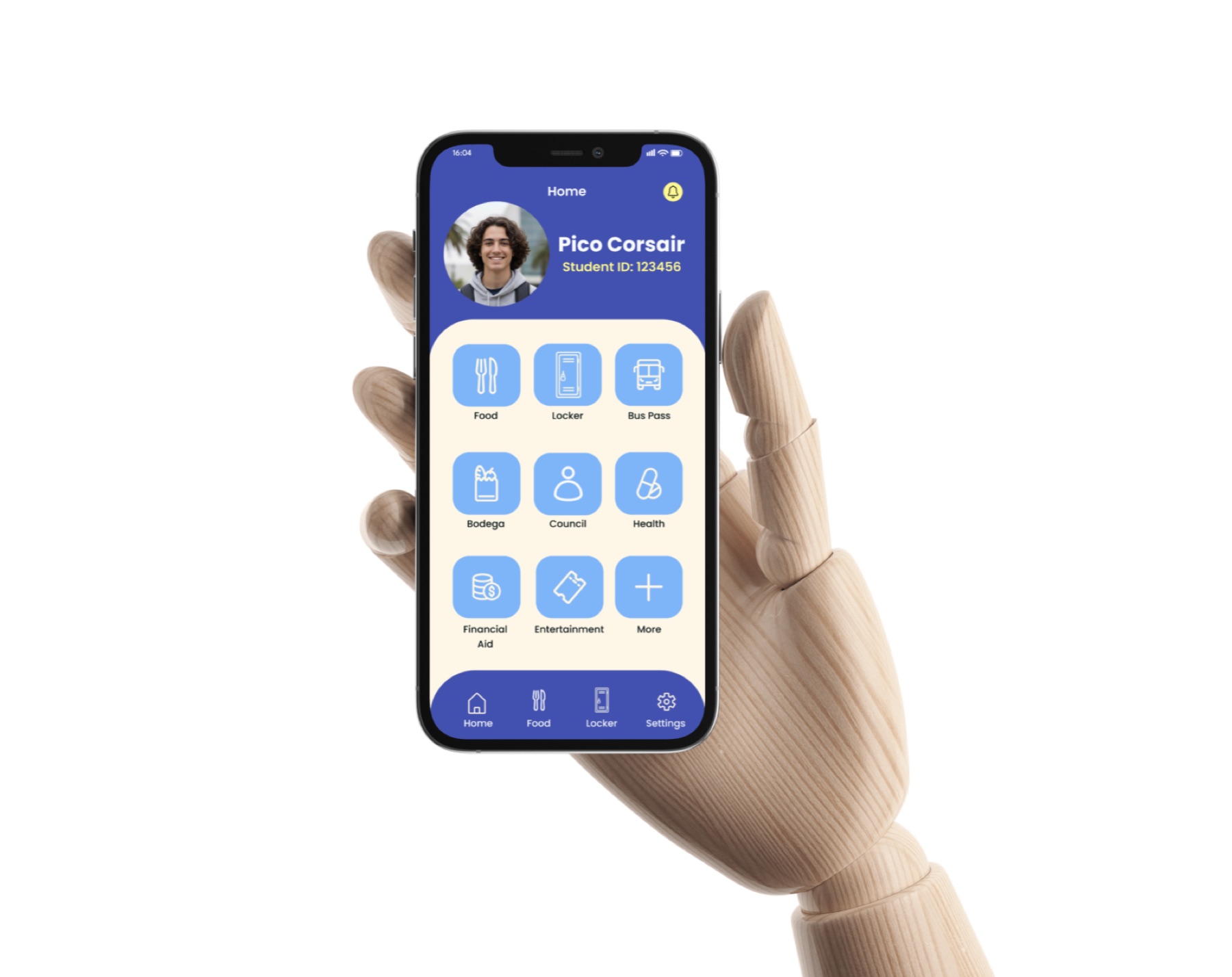
The home screen pairs a digital student ID with tiles for Food, Locker, Bus Pass, Bodega, Council, Health, Financial Aid and Entertainment, with a bottom bar for the most-used areas. Inside, the app handles tasks like tapping a phone as a bus pass, booking a counselor and tracking a delivery, where a courier robot brings the order to a designated zone.
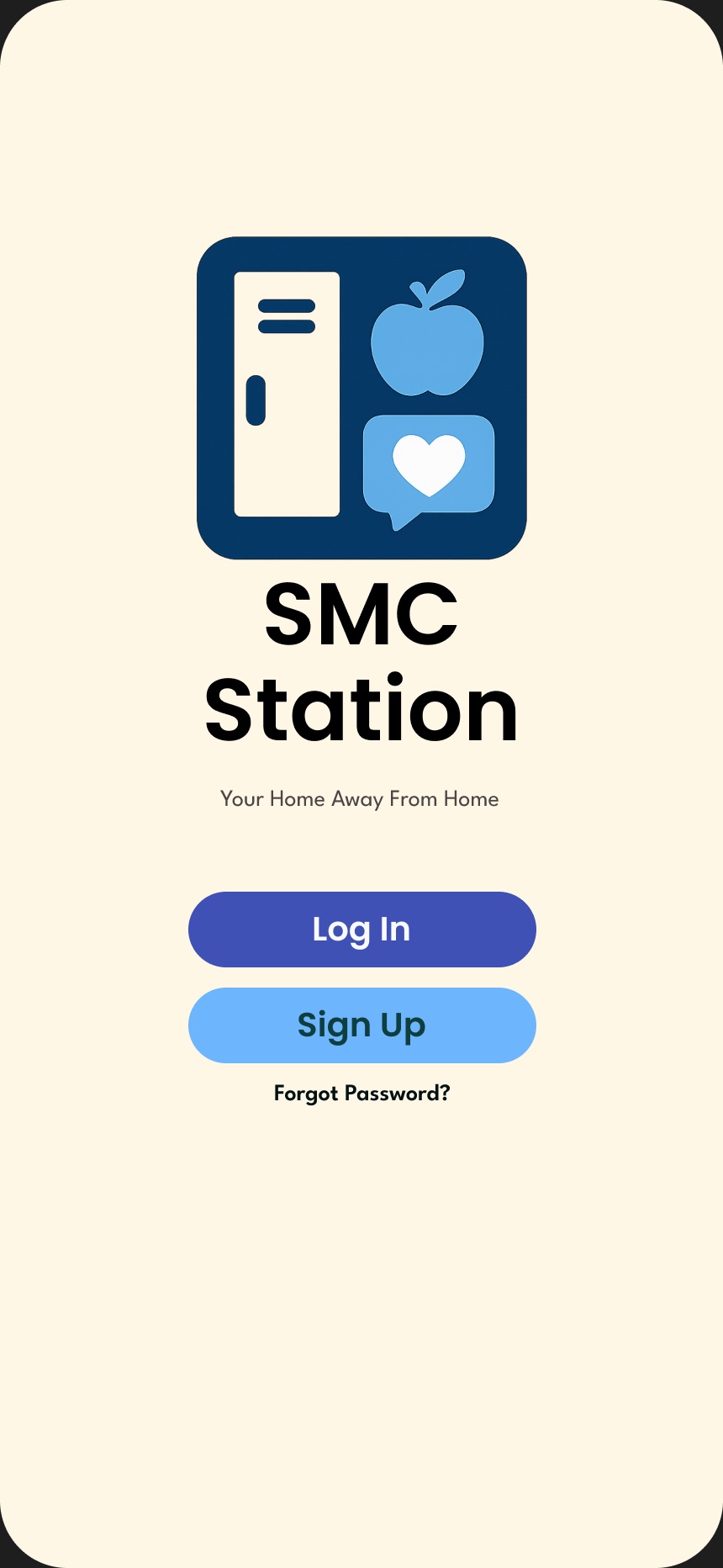
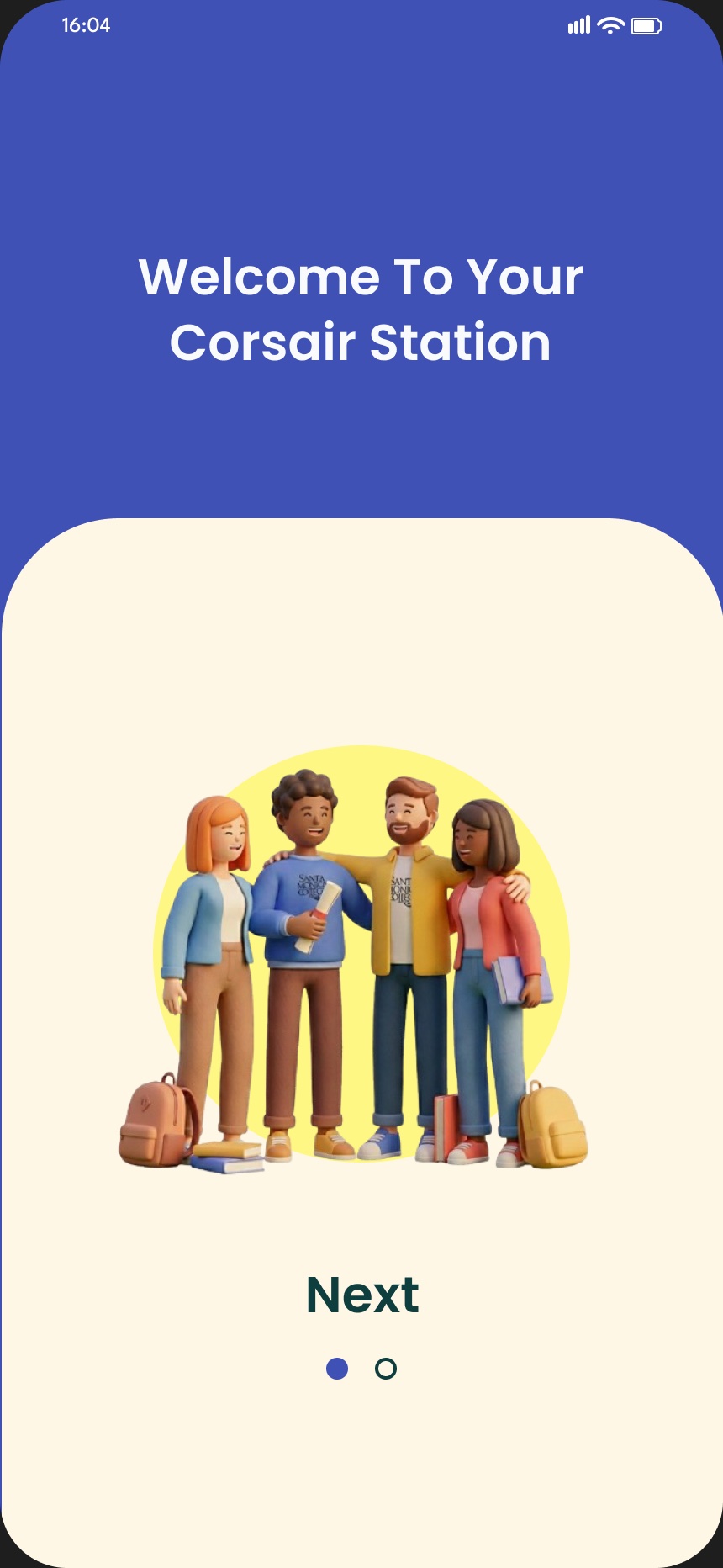
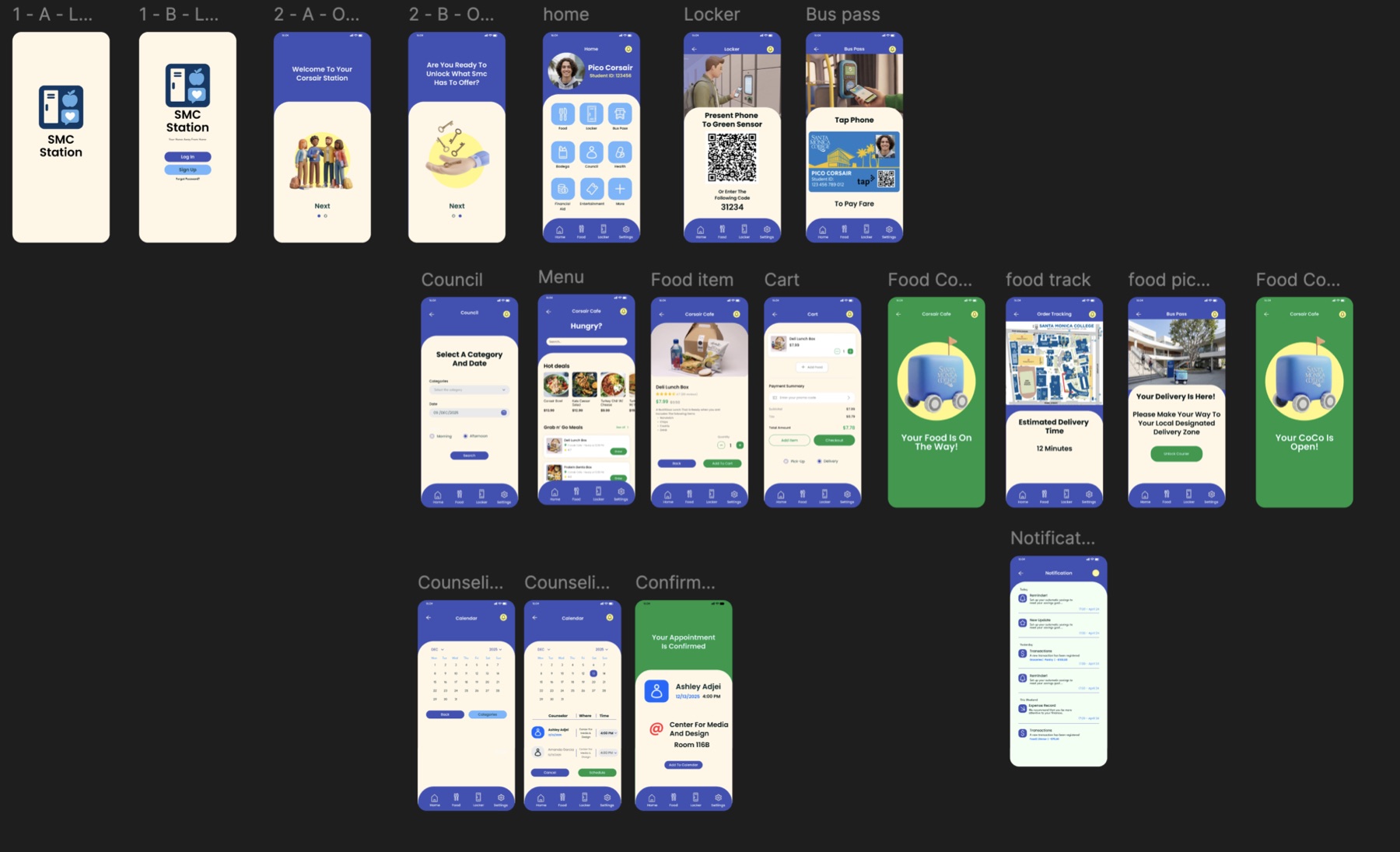
The final high-fidelity design lives in Figma. Here is the flow, screen by screen.
Launch
Welcome
Home
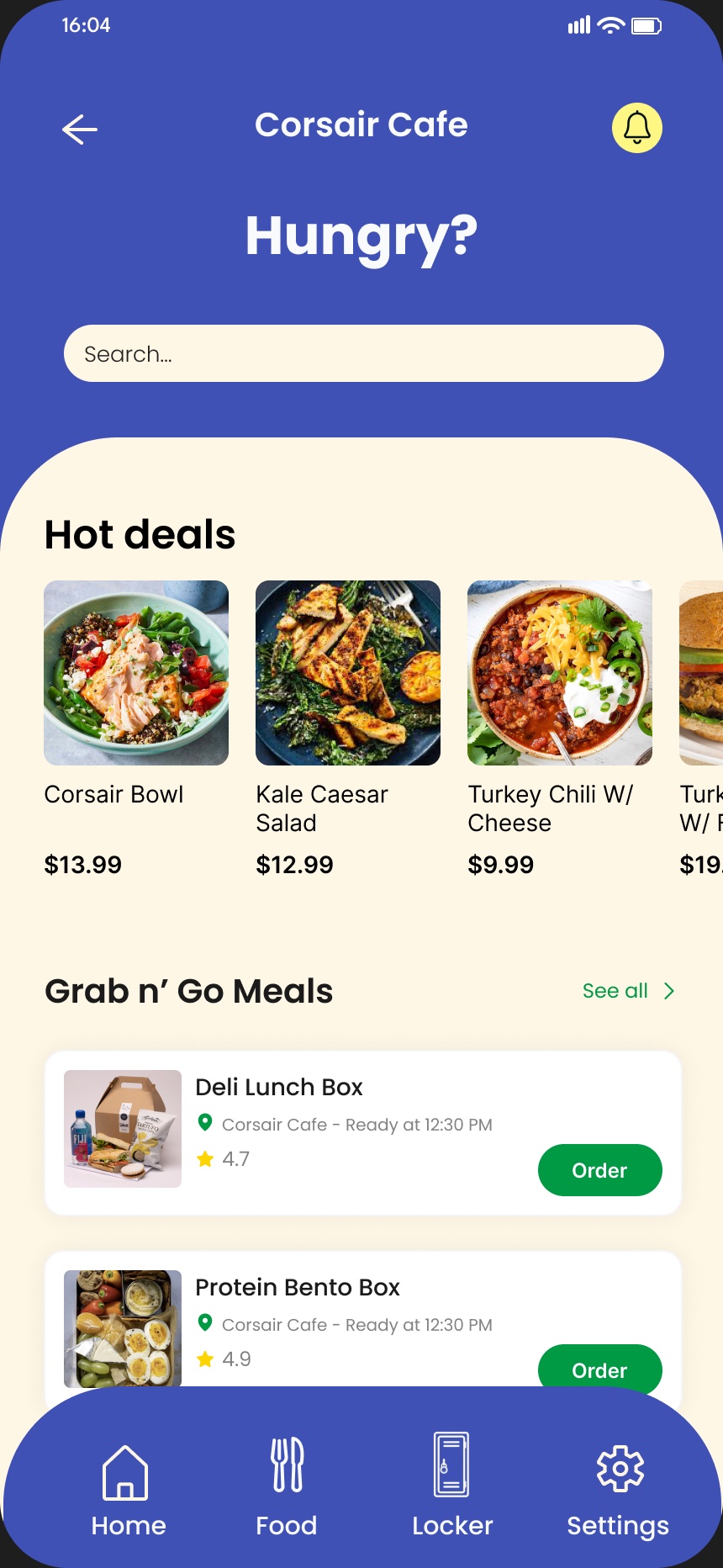
Order food
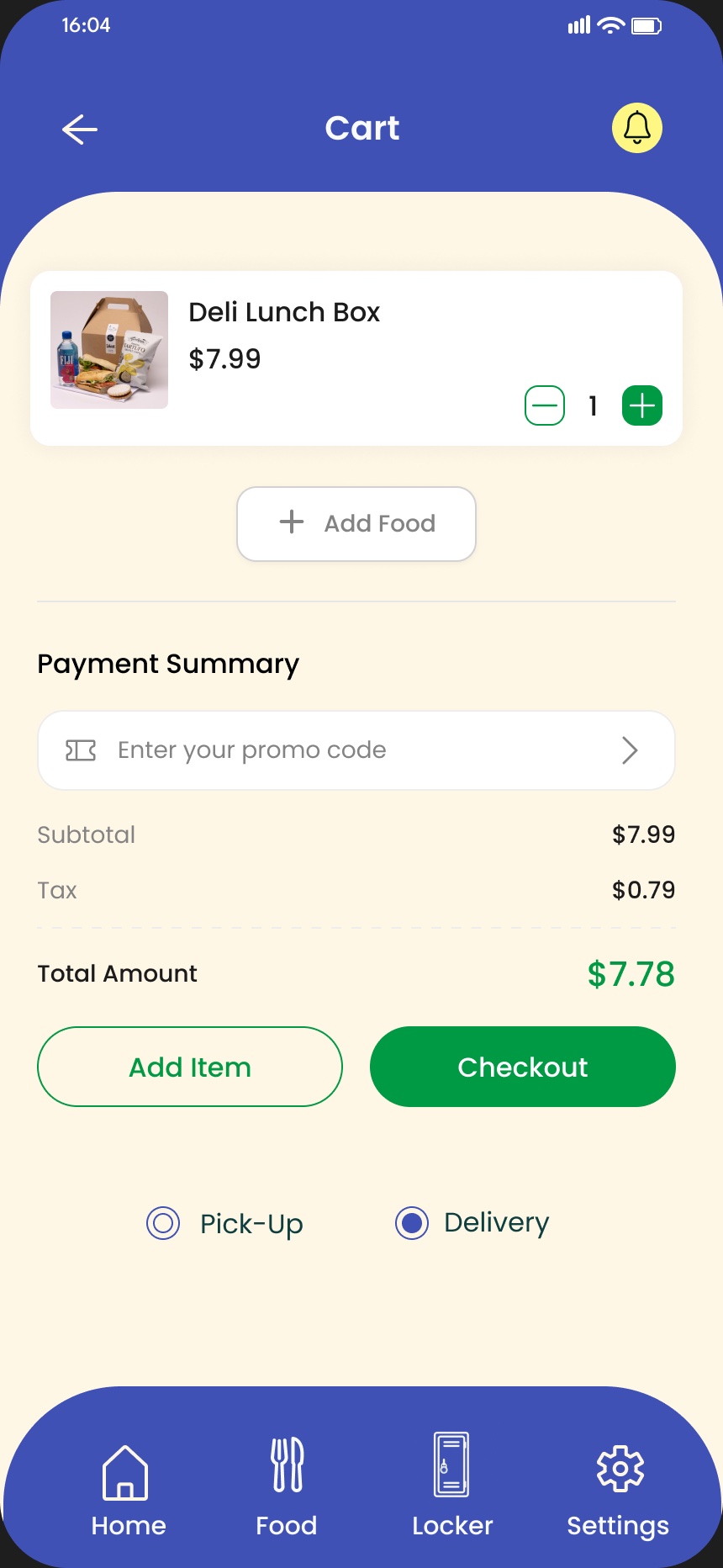
Cart
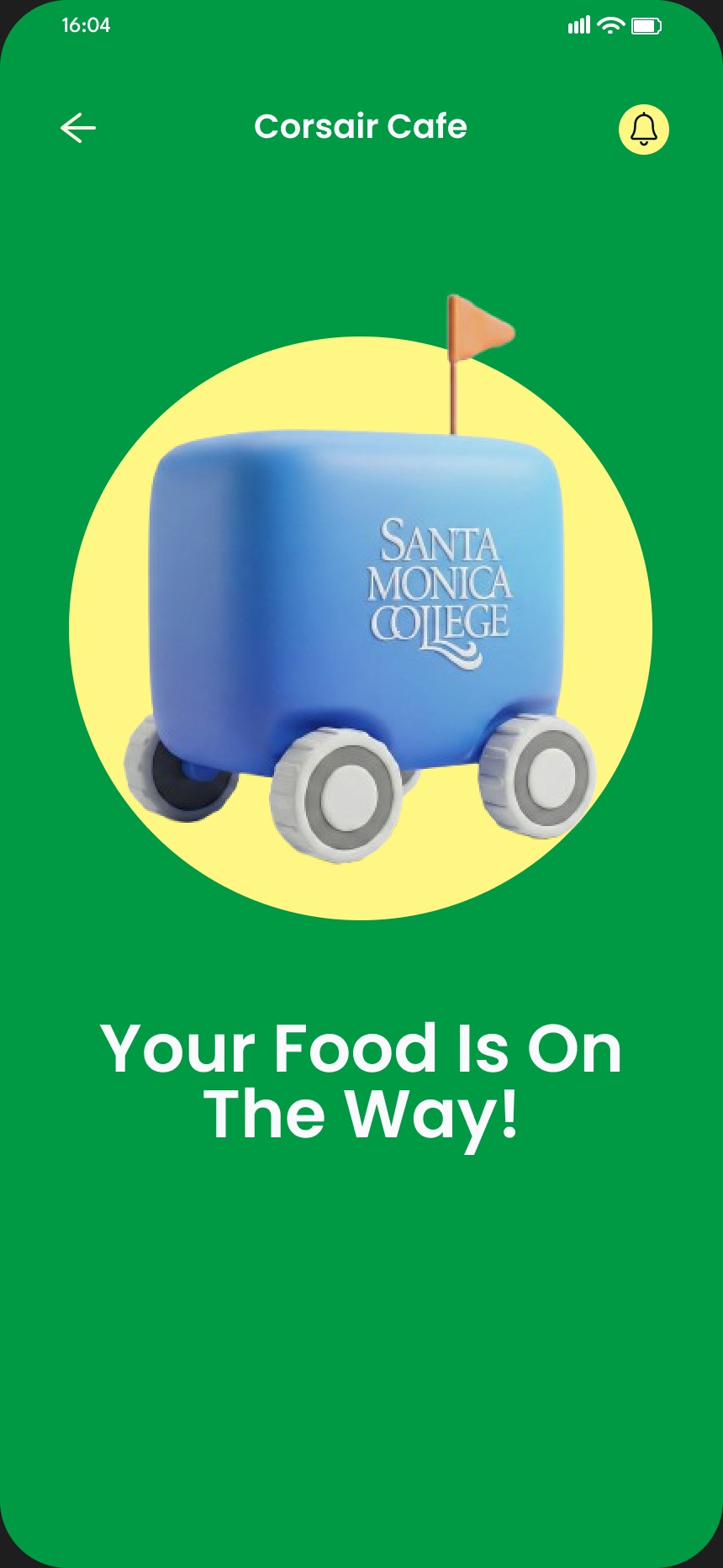
Order confirmed
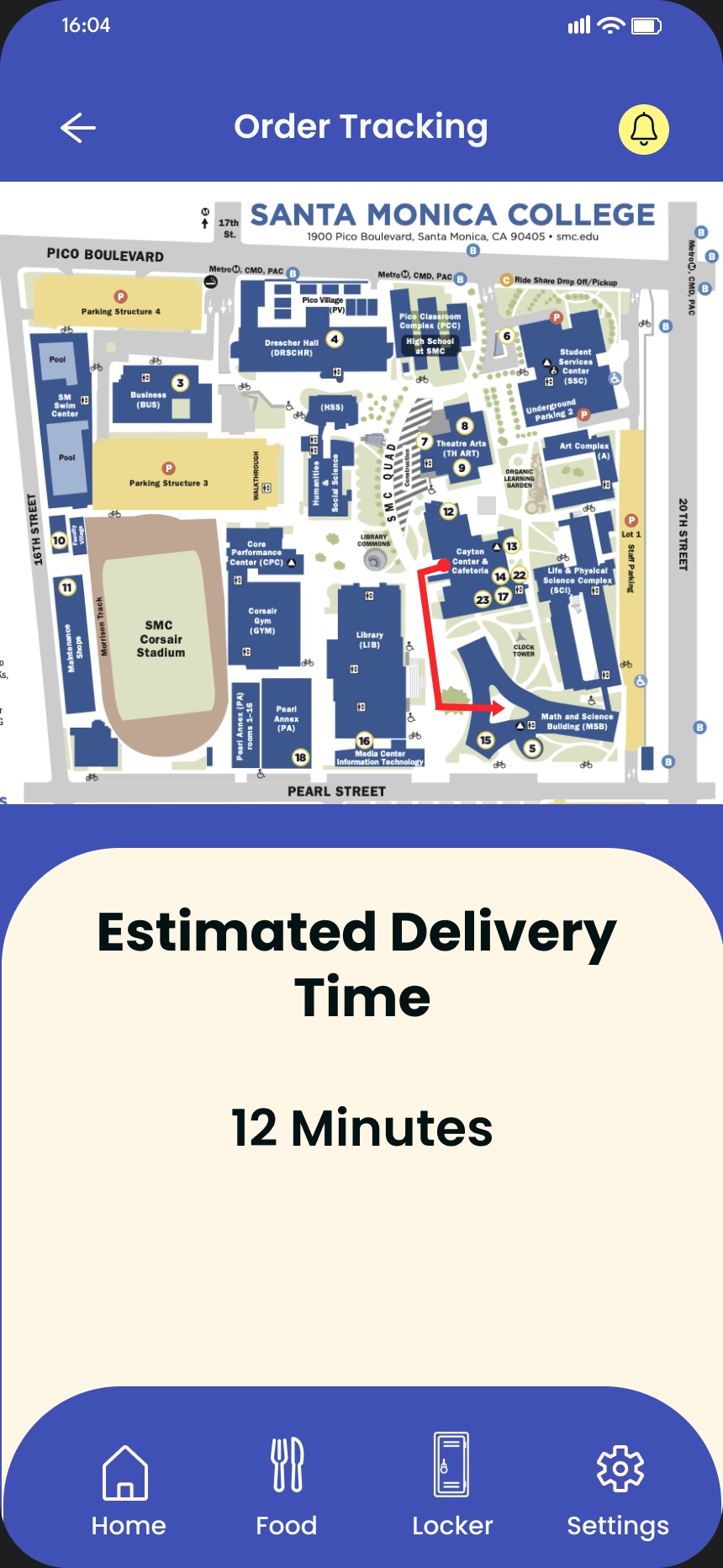
Track delivery
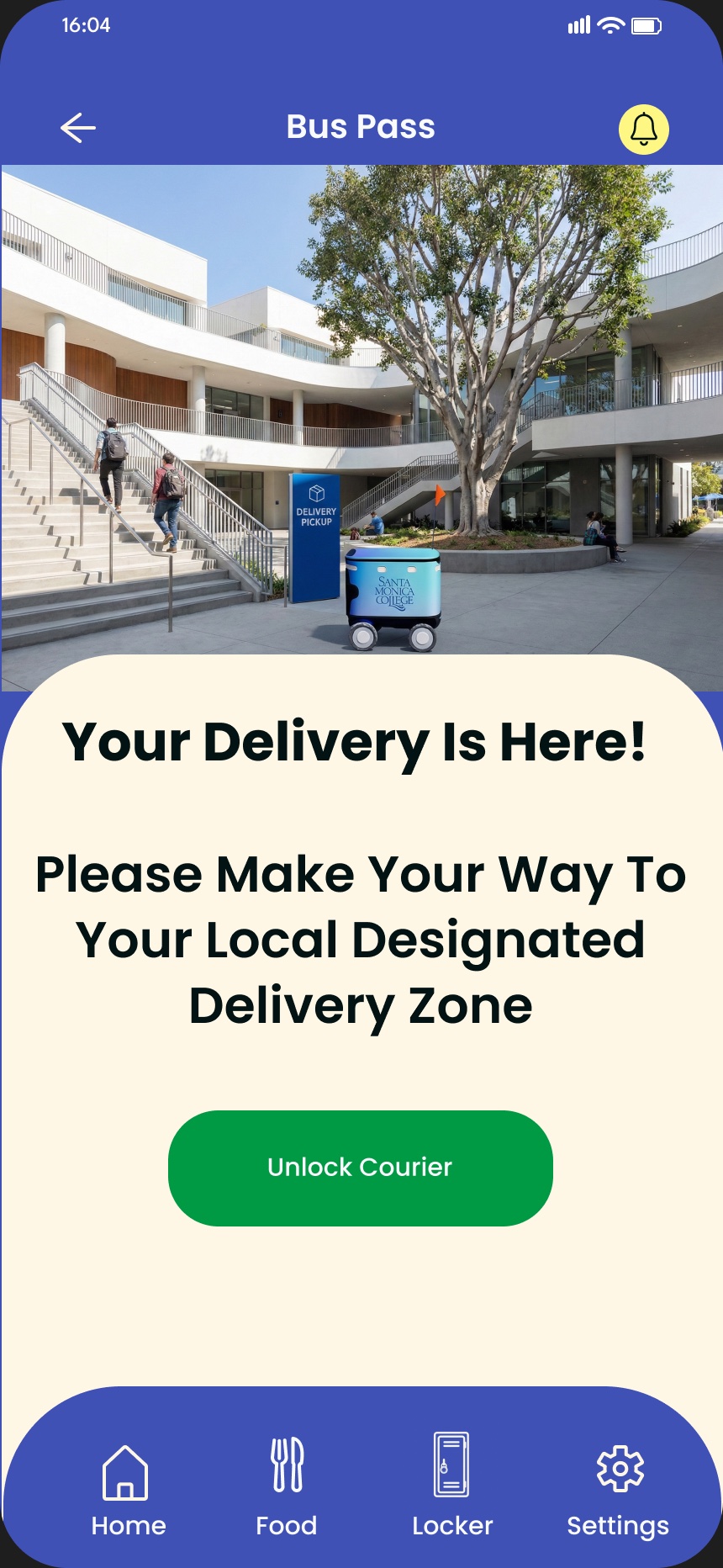
Pickup
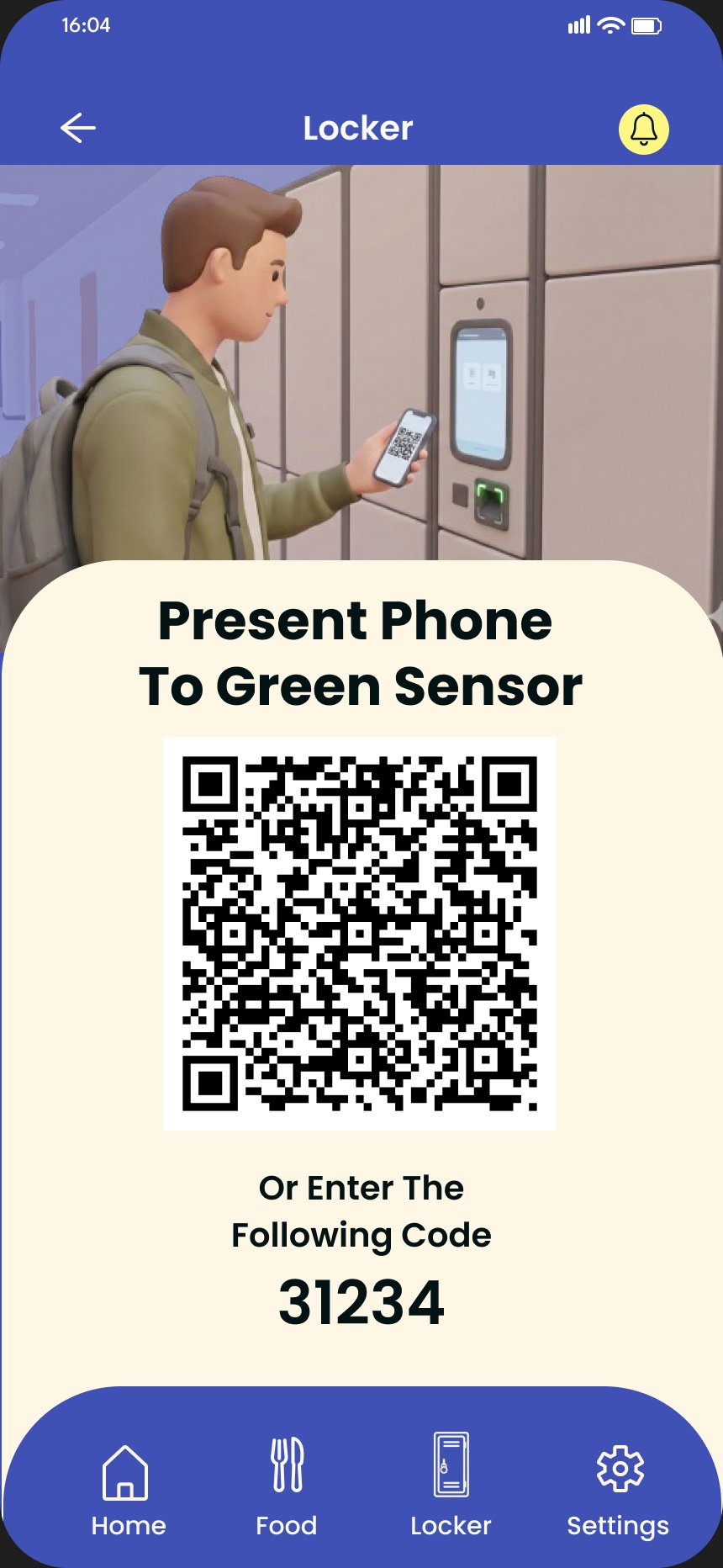
Locker
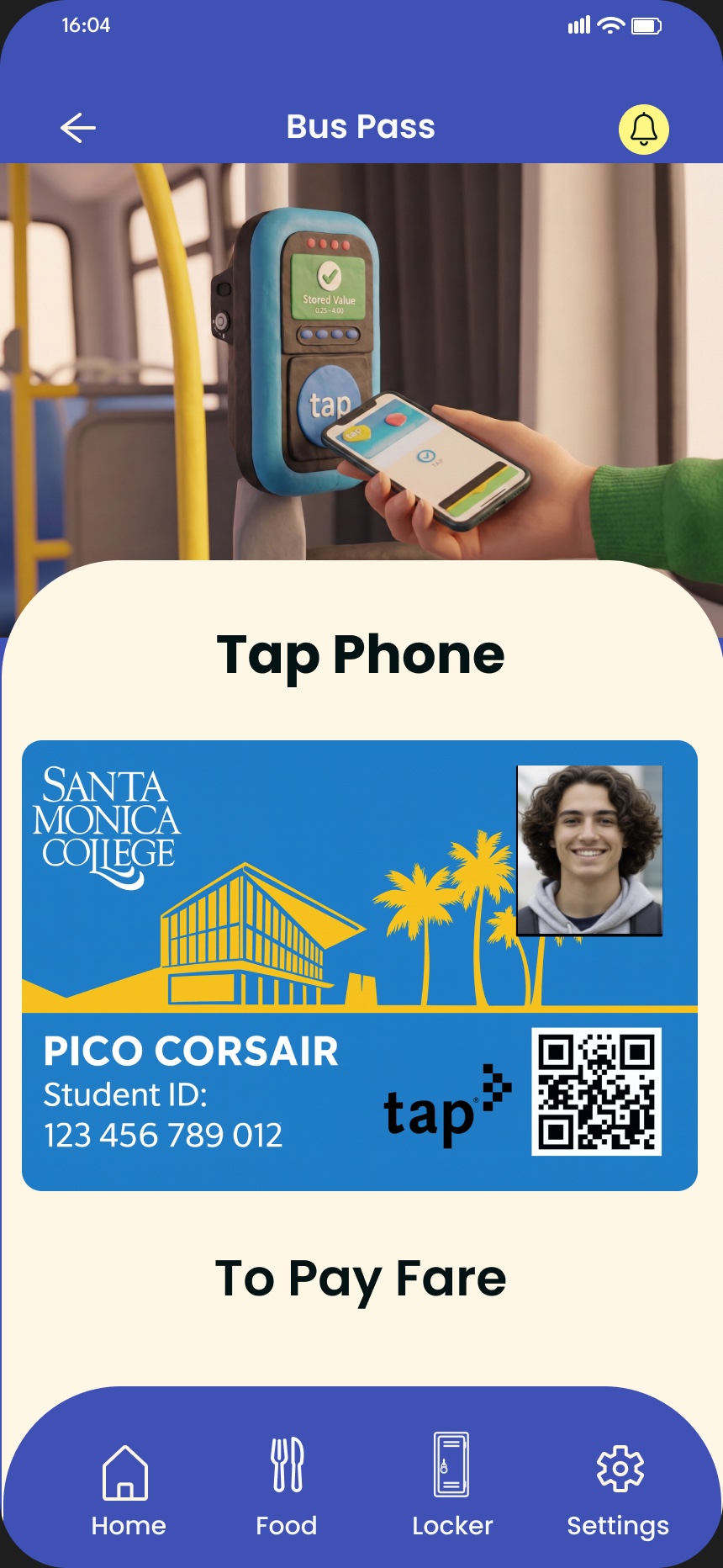
Bus pass
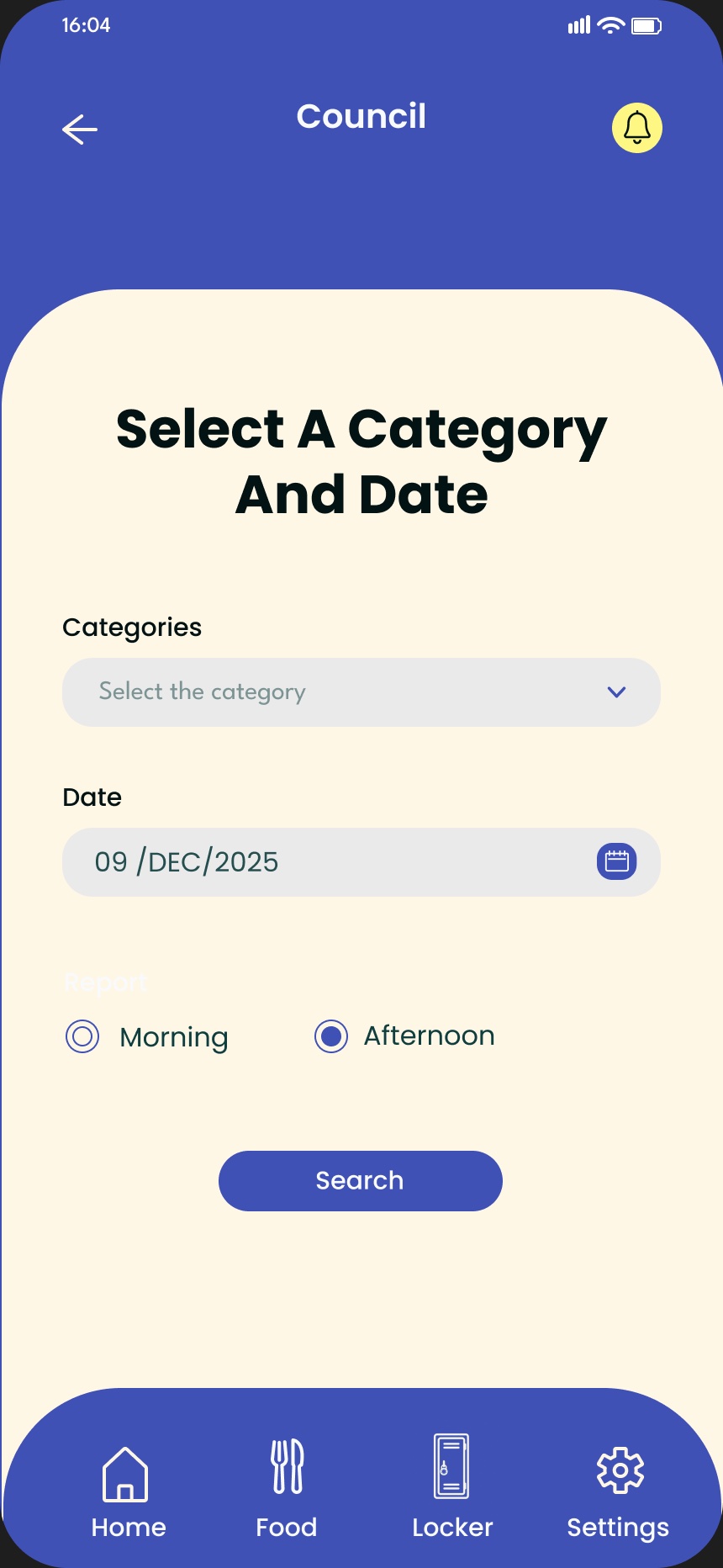
Council
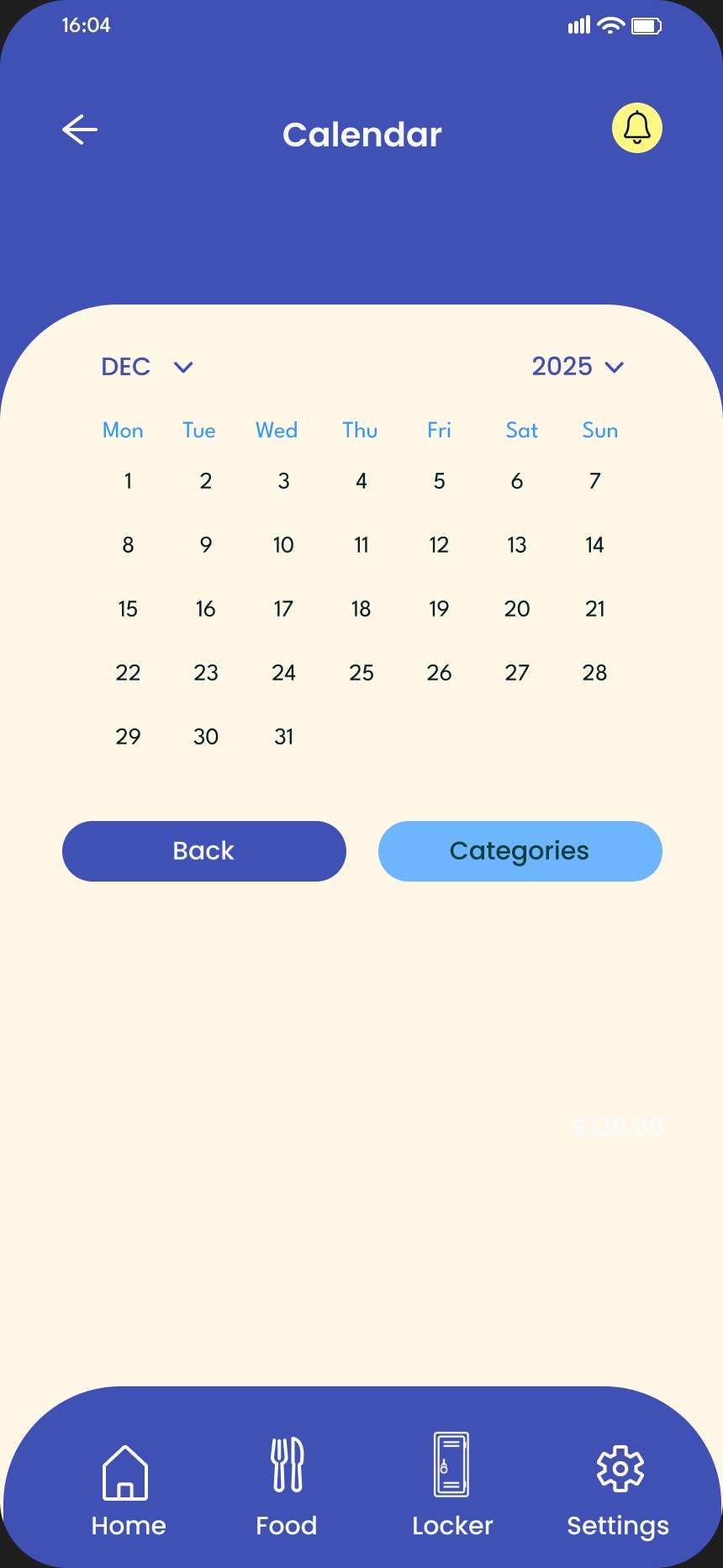
Calendar
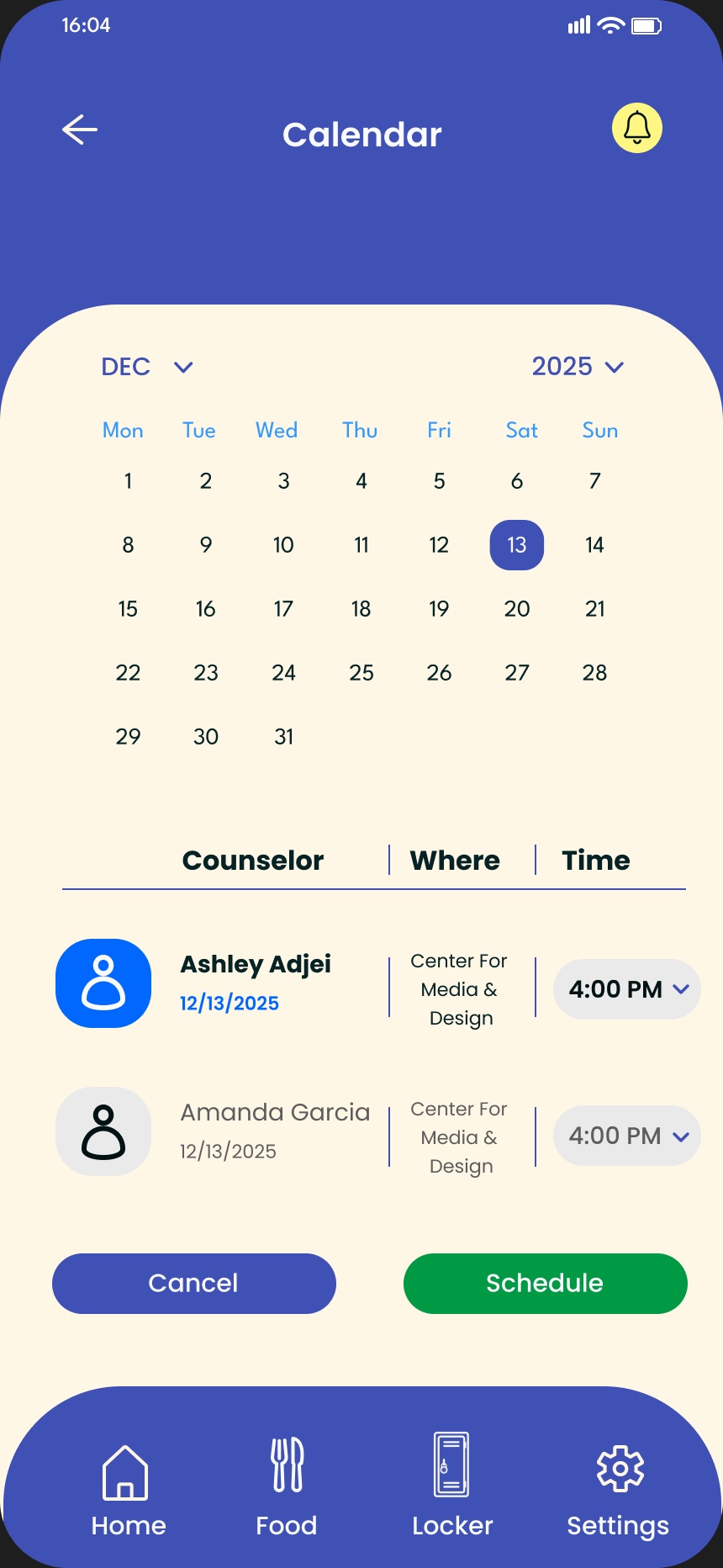
Counselors and times
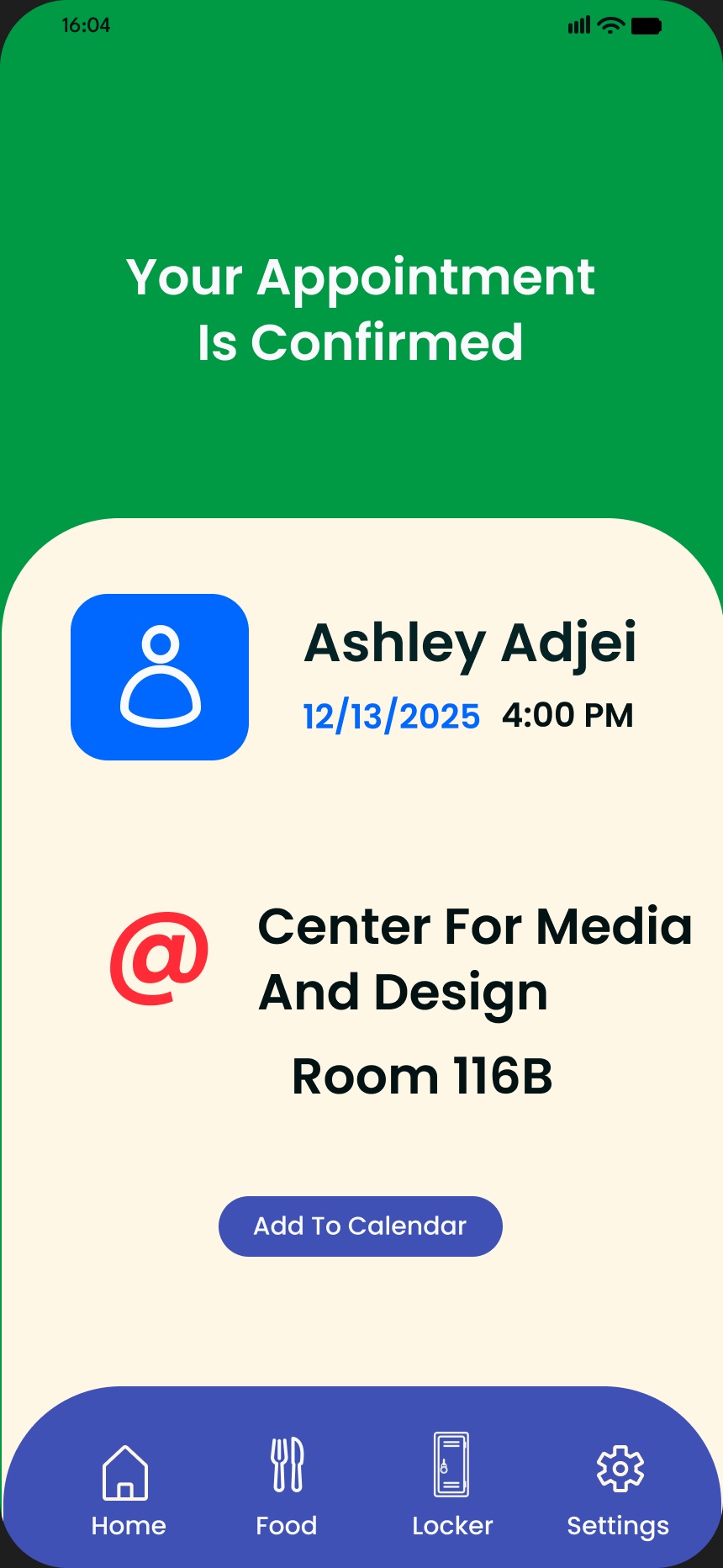
Appointment confirmed
05 · User flow
How a task moves through the app.
From launch, every task starts at the home dashboard. Food ordering is the longest path, from menu to a courier unlocking at the delivery zone. Locker and bus pass are one tap away, and a counseling appointment takes four screens.
Built from the prototype: each green box is a screen or action, each diamond a choice the student makes.
06 · Early prototype
The first clickable prototype.
Before the polished version, I built a clickable prototype (SMC CARES) to test the core flows: a locker kiosk unlock by QR code, pantry pickup, CARE services, appointment setup and a campus map to find your locker.
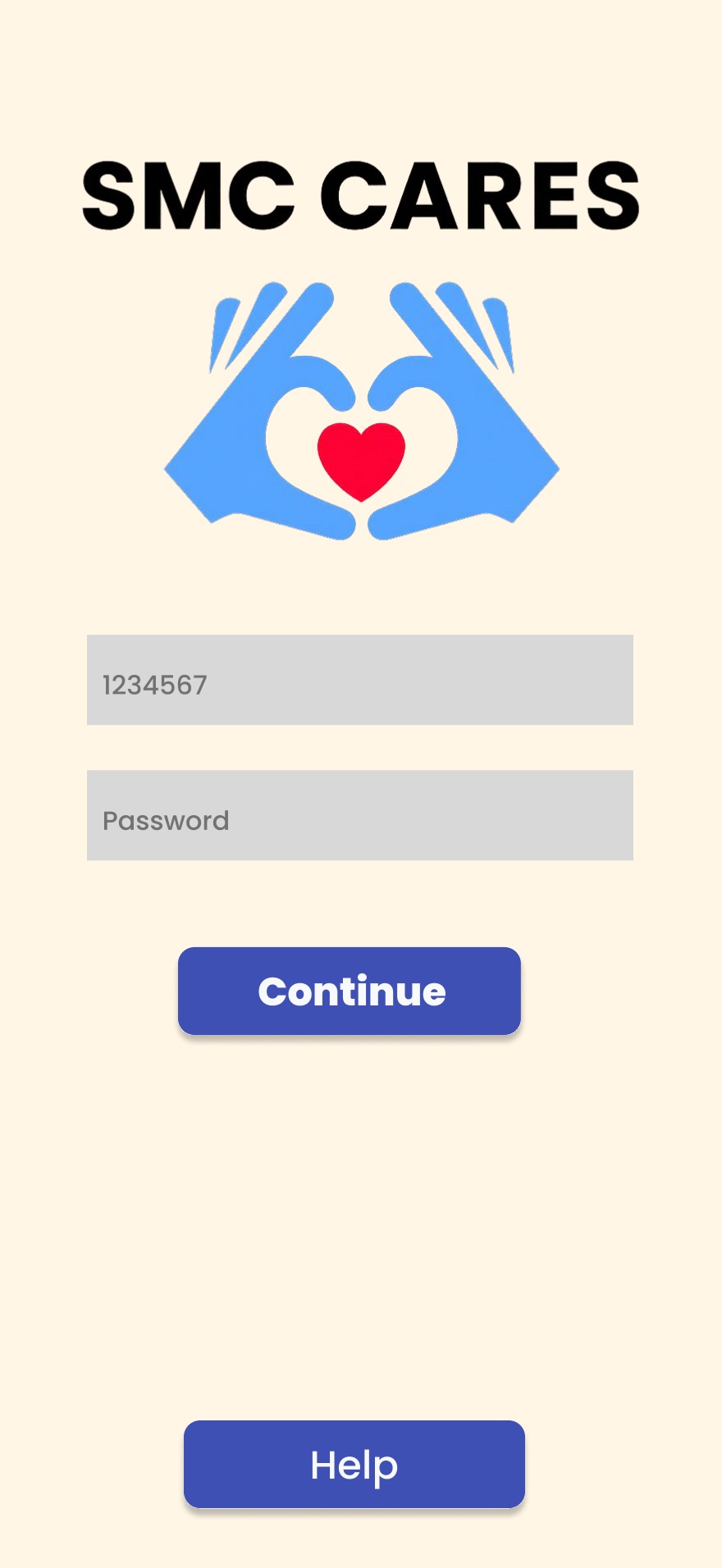
Sign in
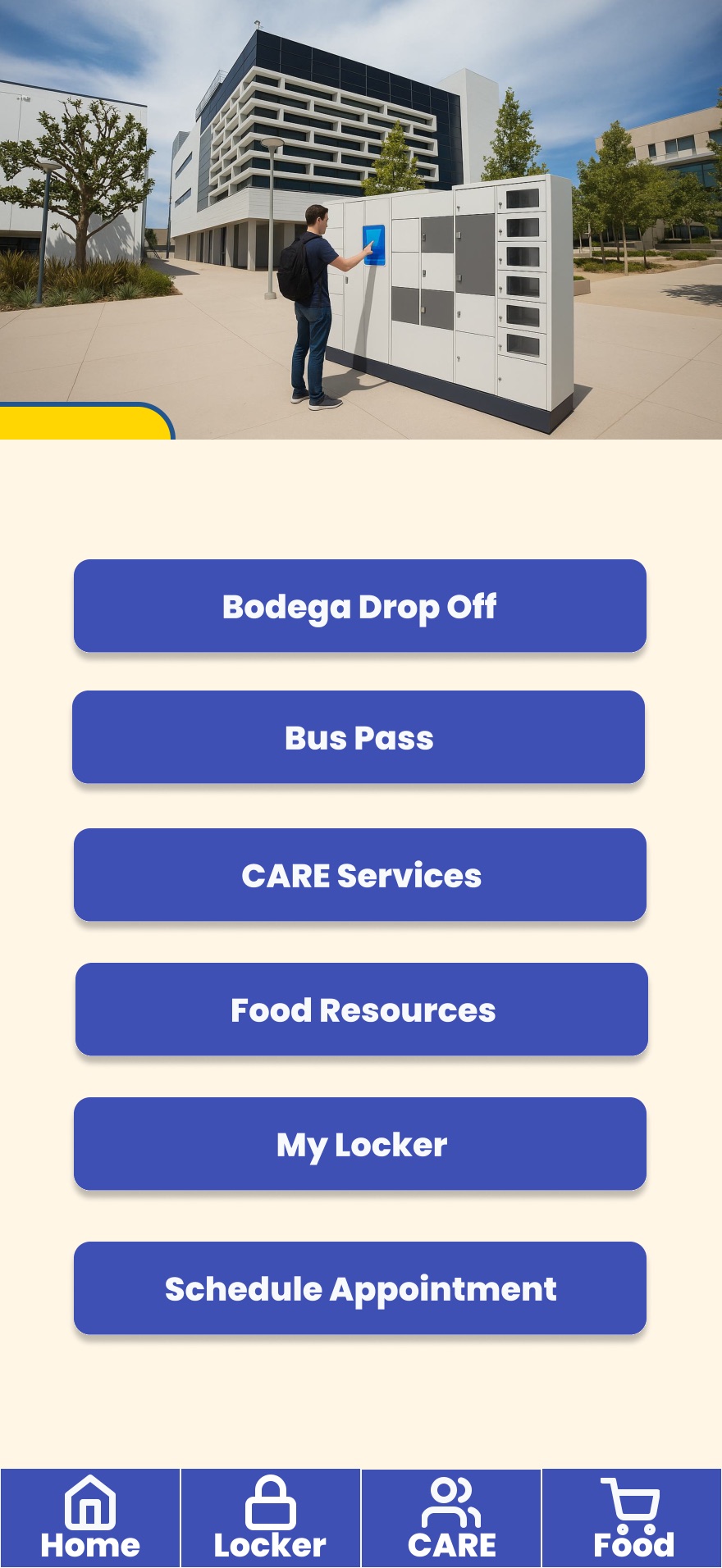
Home
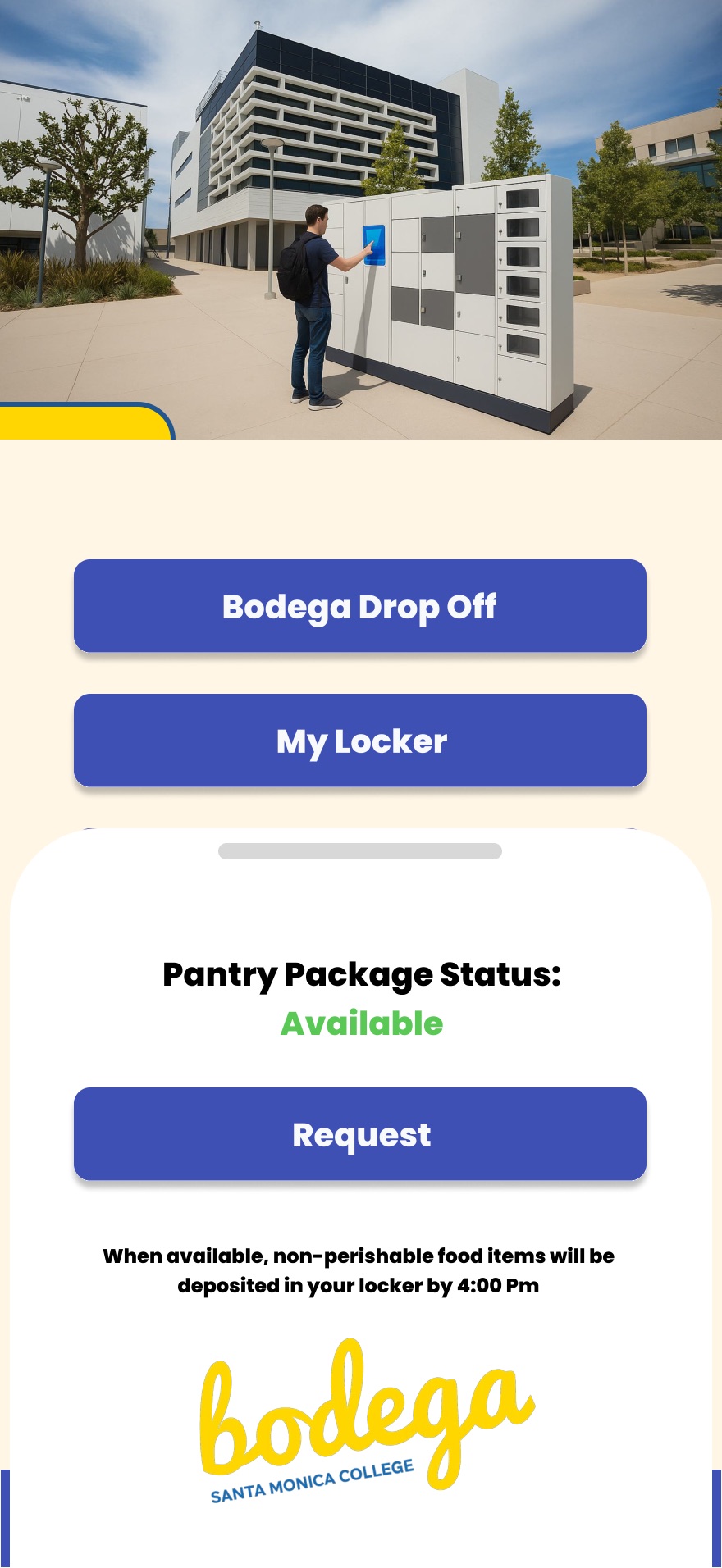
Pantry pickup
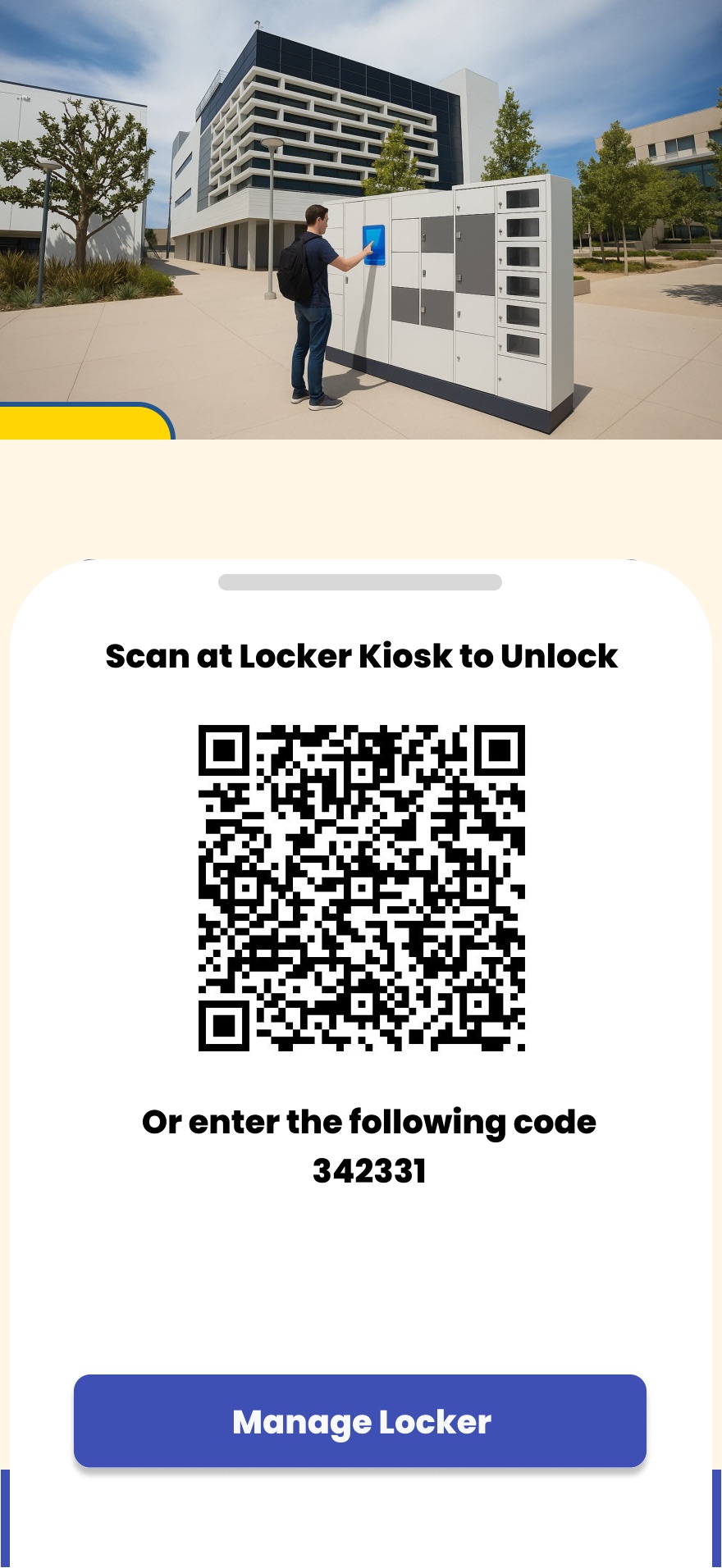
Unlock locker
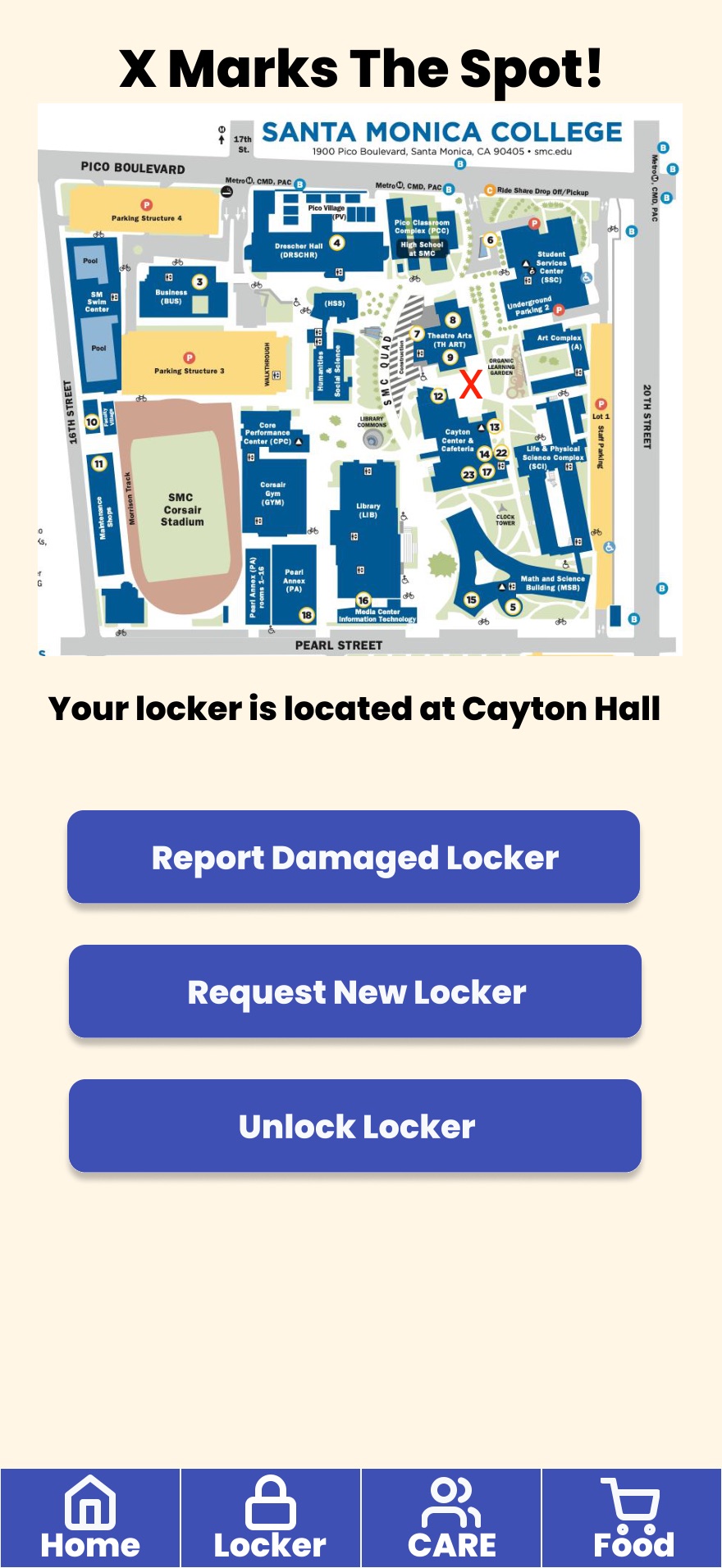
Find my locker
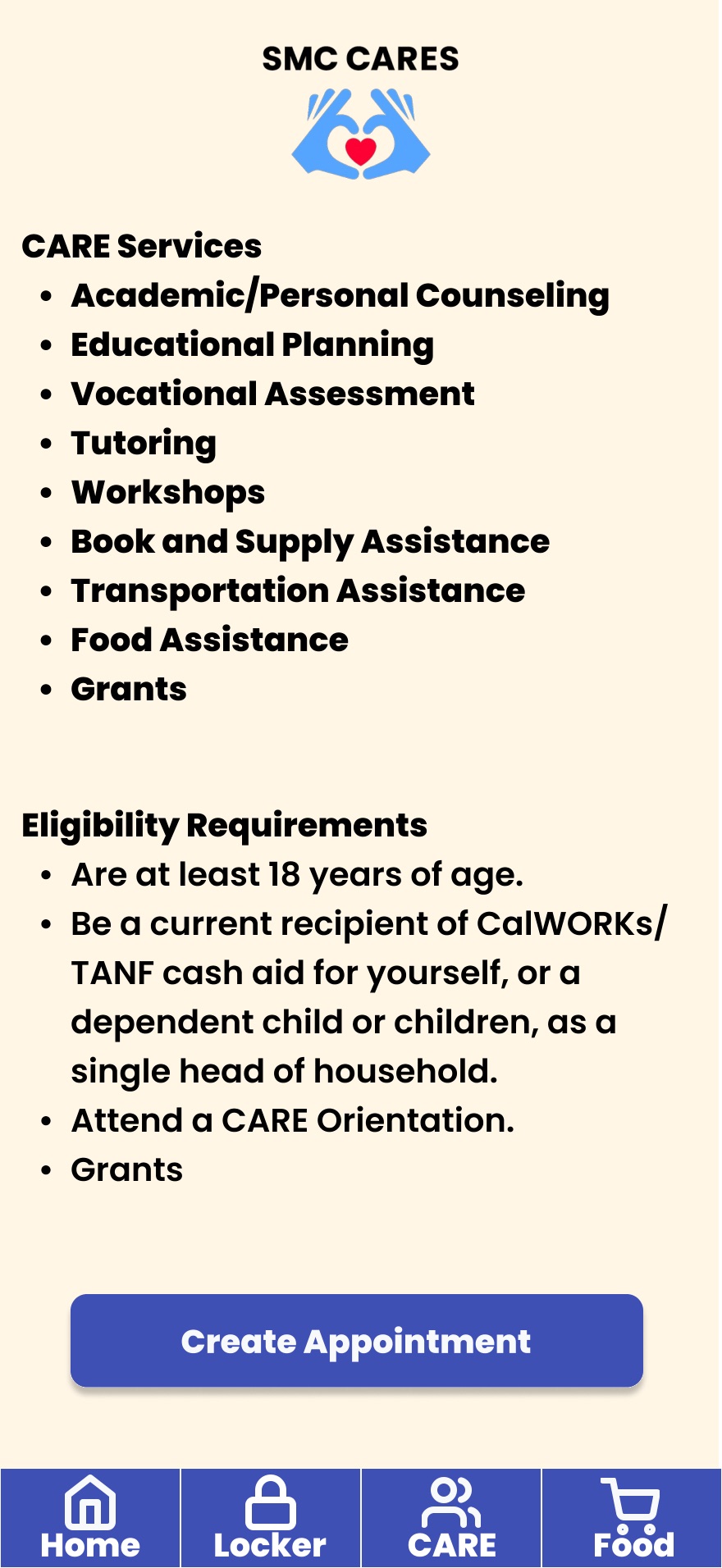
CARE services
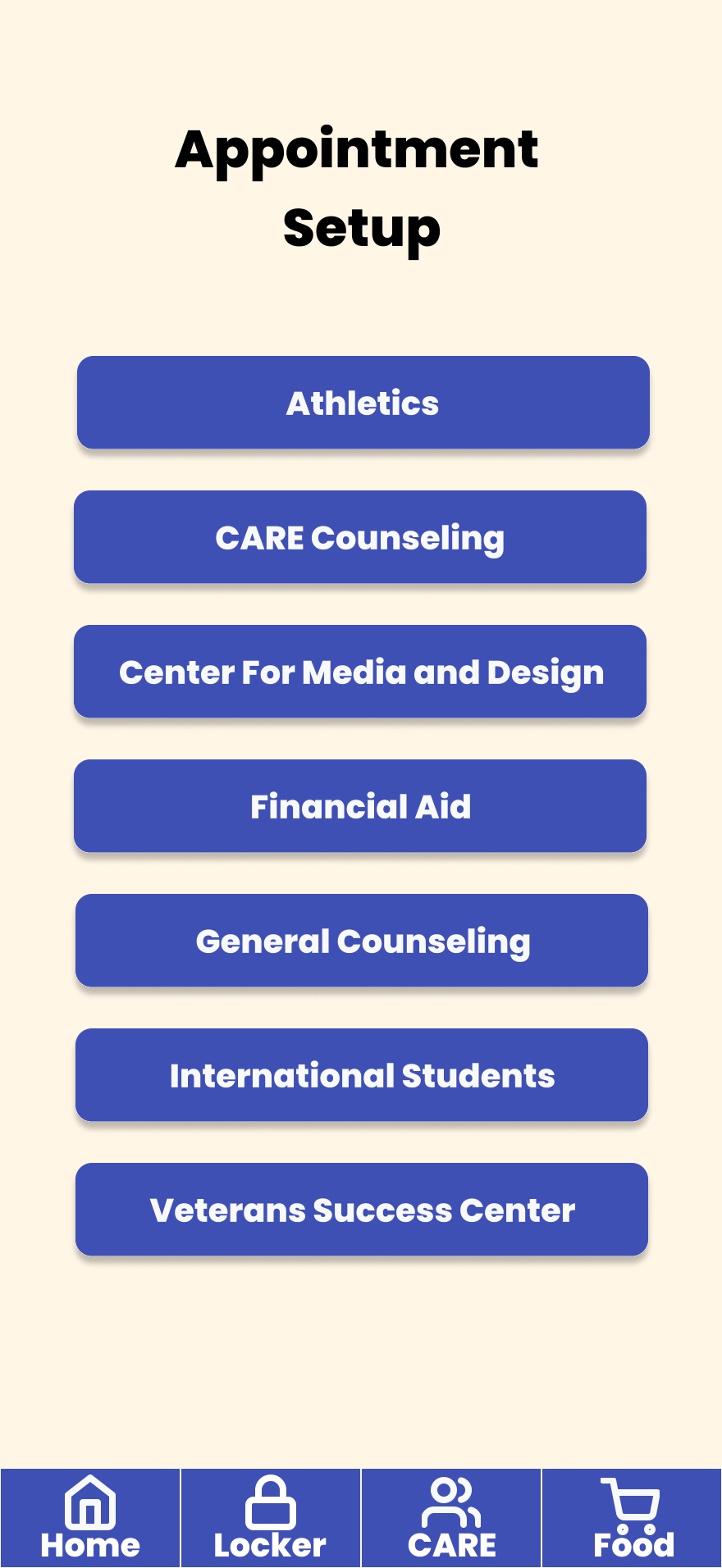
Appointment setup
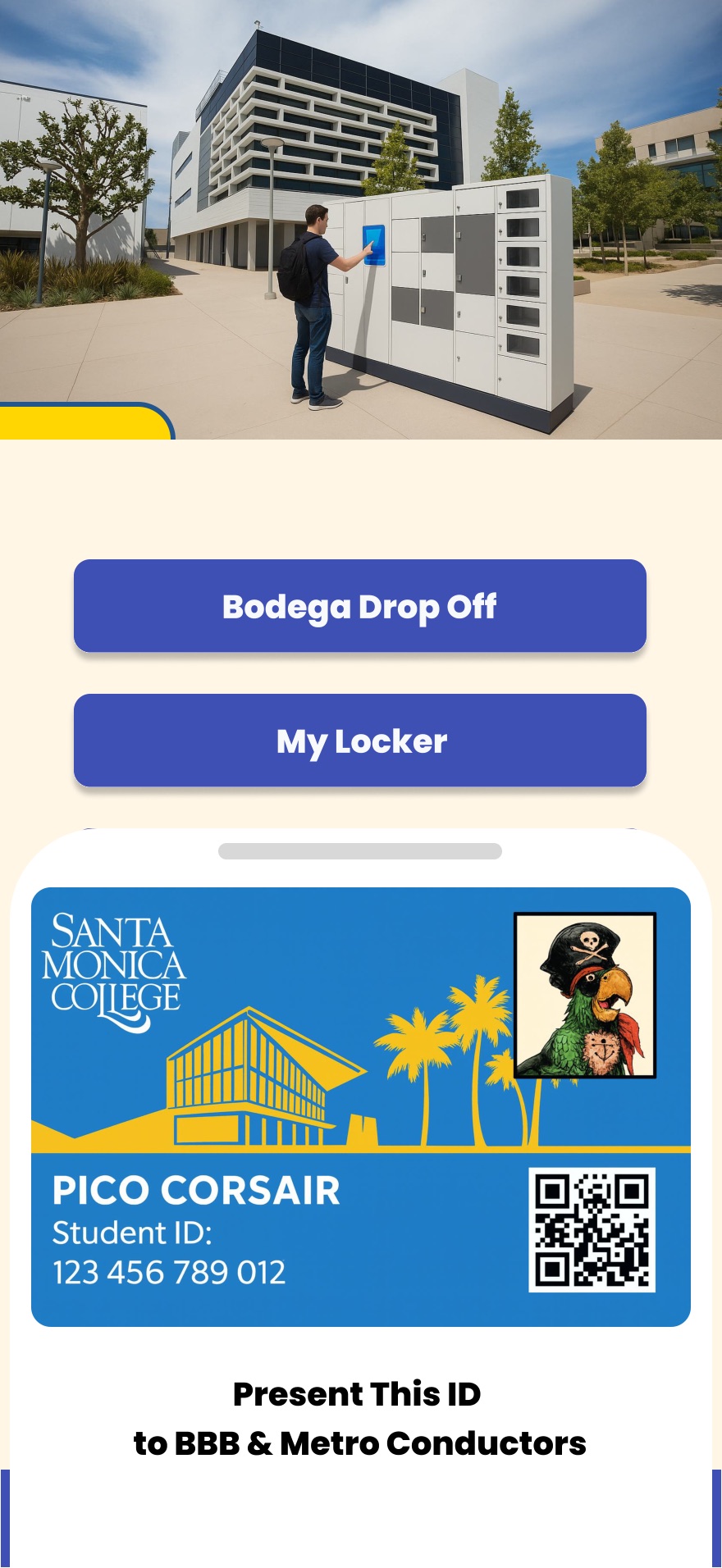
Student ID
07 · Prototype
Try the clickable prototype.
This is the high-fidelity prototype, straight from Figma. Tap through the launch, home dashboard, food ordering, locker, bus pass and counseling flows.
INTERACTIVE · TAP THE BUTTONS · · Open in Figma ↗
08 · Comparison
What the existing campus app leaves out.
We compared the college's SMC GO app against SMC Station on nine basic-needs capabilities. SMC GO covers food security, healthcare and transportation. SMC Station covers all nine.
| Capability | SMC GO | SMC Station |
|---|---|---|
| Basic needs access | ✕ | ✓ |
| Food security | ✓ | ✓ |
| Housing options | ✕ | ✓ |
| Storage options | ✕ | ✓ |
| Healthcare access | ✓ | ✓ |
| Technology | ✕ | ✓ |
| Transportation | ✓ | ✓ |
| Personal hygiene | ✕ | ✓ |
| Childcare support | ✕ | ✓ |
09 · Measure
How we'd know it works, and what comes next.
- Success criteria
- Locker utilization rate · online order pickup rate · student satisfaction rate.
- Recommendations
- A basic needs mobile interface · lockers for at-risk and STEM students · a basic needs student task force · a Basic Needs Canvas module.